
The Design Studio
Customize Your Image
Artwork resources
Hand-picked tools for creating, upscaling, and finding images. All open in a new tab.
Design in your own software
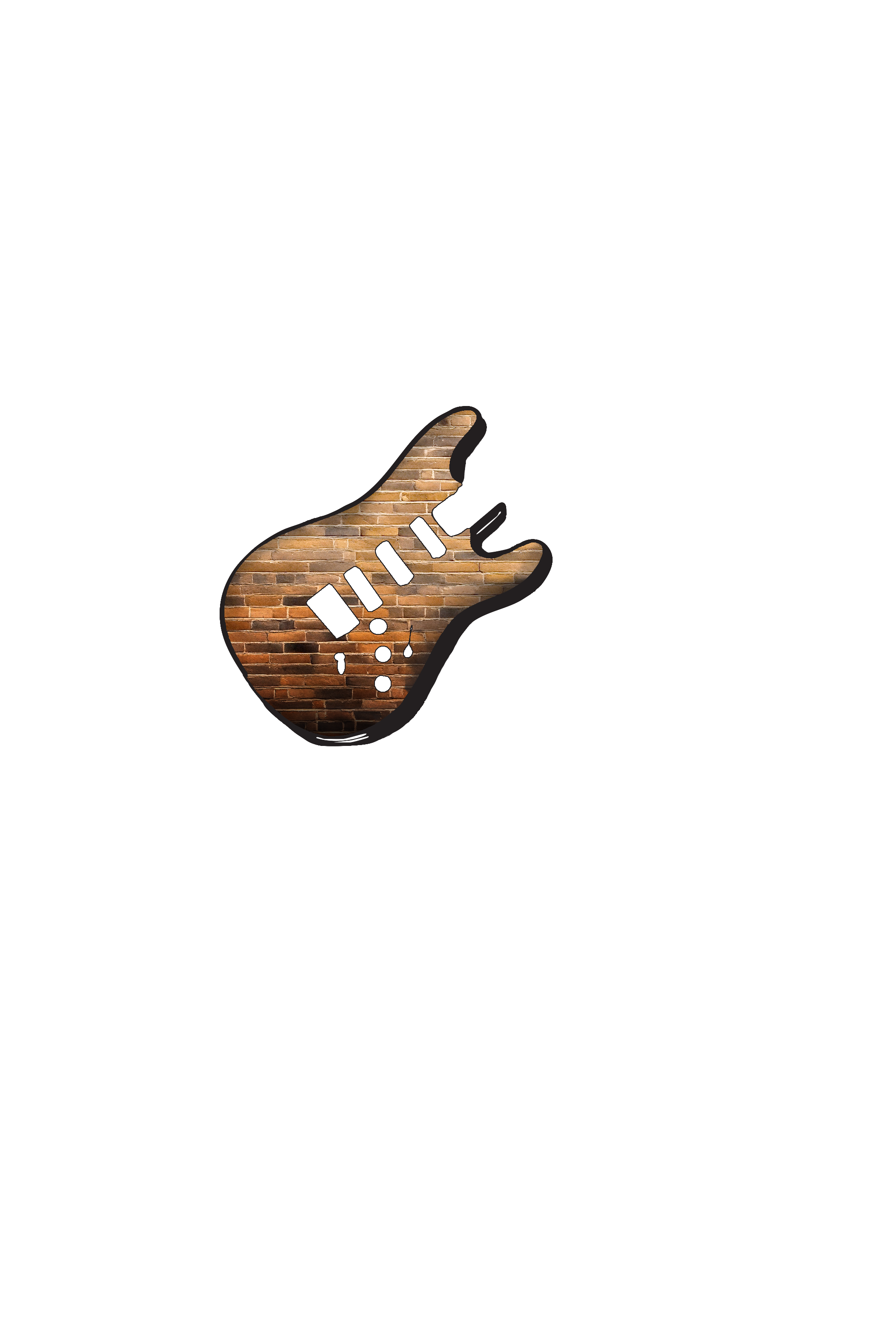
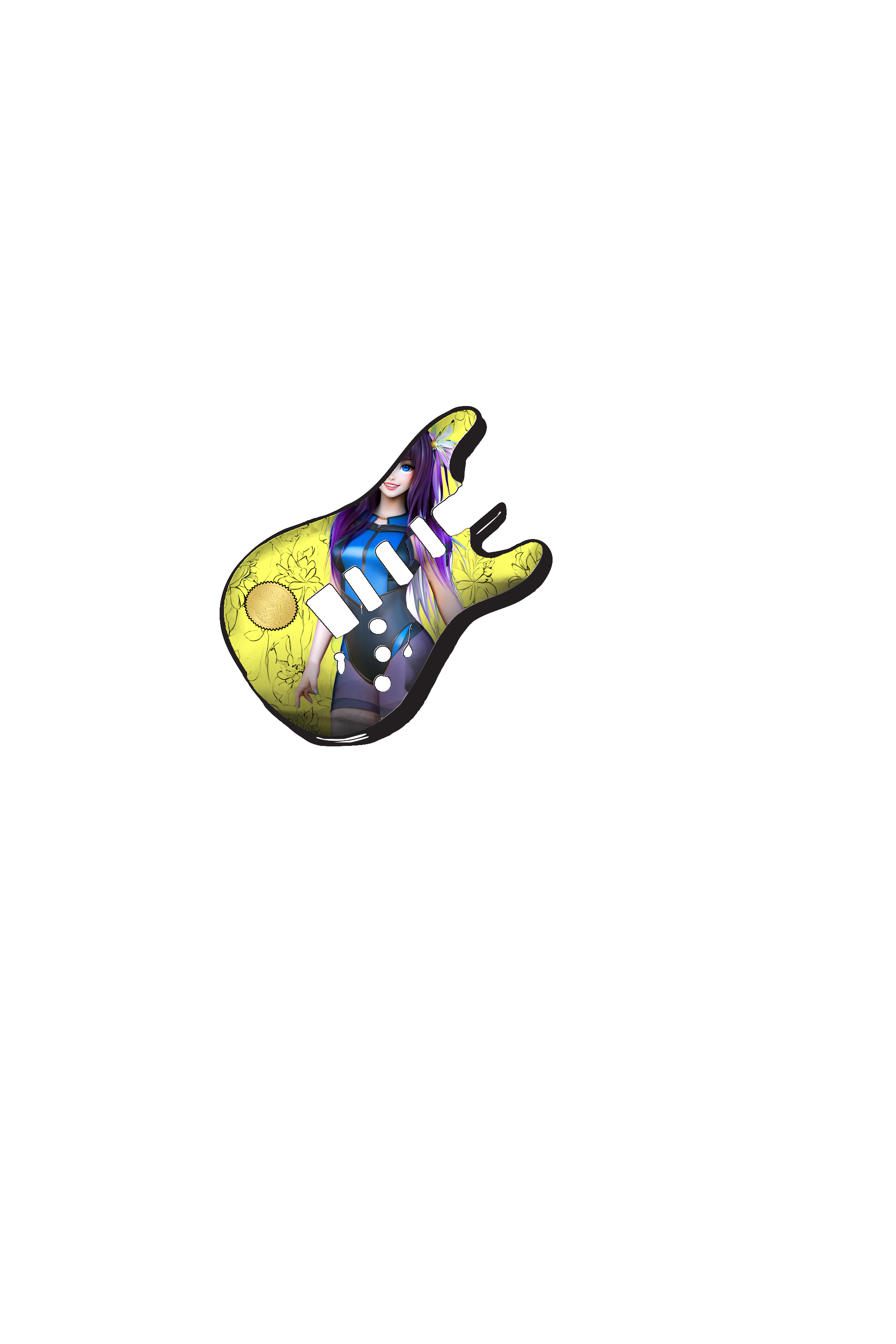
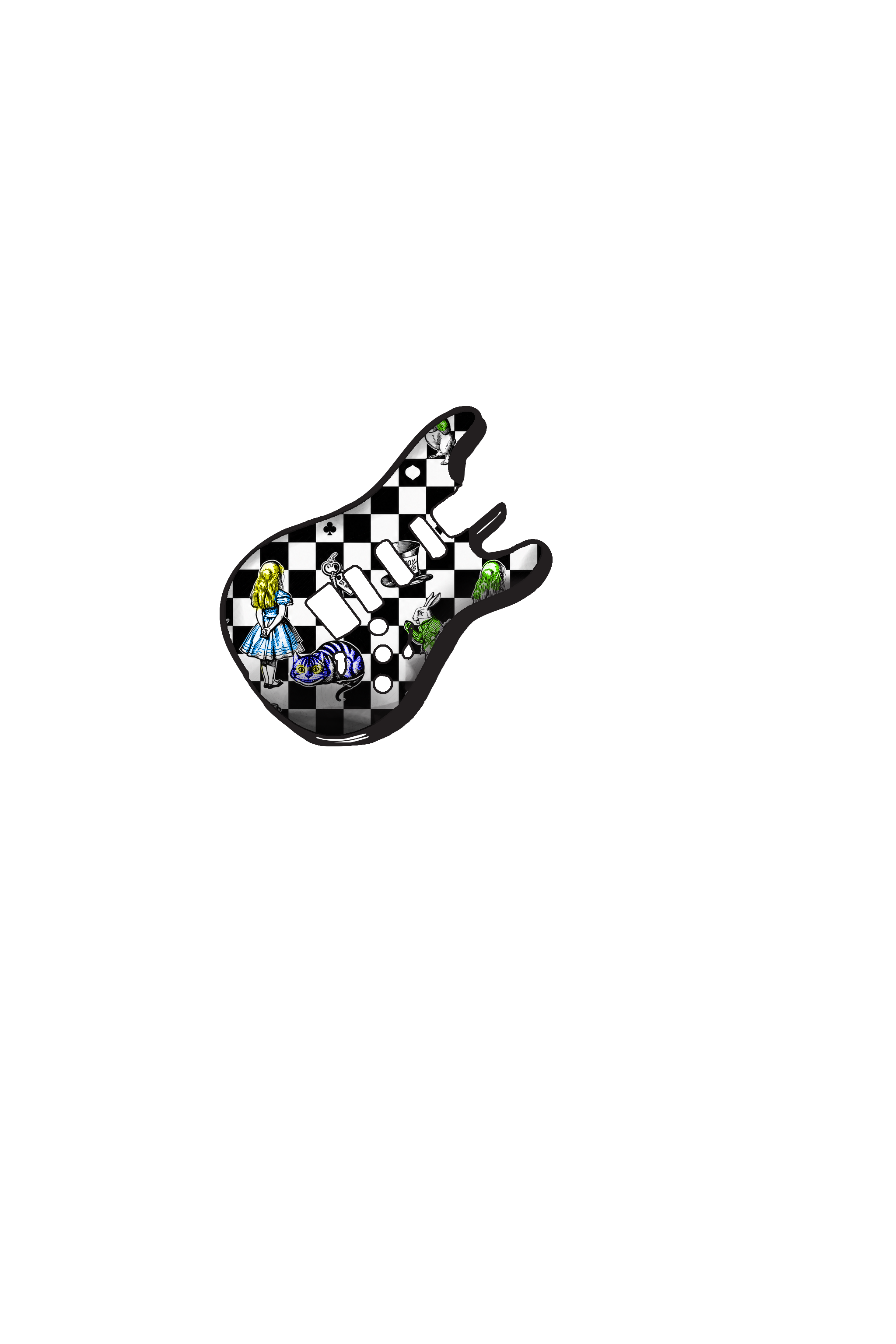
Pro workflowPrefer Photoshop, Illustrator, or another editor? Download the print template (5638×3977 px at 300 DPI), design on it using the guitar body as a guide layer, then hide or delete the template layer and export your artwork as a JPEG or PNG at that same size. Upload it here and it will drop onto the body at exact print scale.
-
Download the print template (PNG)
The transparent areas are the holes and the space around the body — nothing prints there. Keep important content about half an inch inside the outer edge.
AI image generators
Create something original, then download and upload it here.
-
Midjourney
Tip: add
--ar 3:2to your prompt (close to our print shape). Upscale in Midjourney before downloading. -
Adobe Firefly
Commercial-safe AI images; export at the largest size available.
-
Ideogram
Strong with text and logos inside the artwork.
Upscale for print
Print qualityThese sharpen and enlarge small files — aim for at least 5638×3977 px before uploading.
-
Magnific AI
Recommended
Best-in-class AI upscaling — adds detail while enlarging.
-
Topaz Gigapixel AI
Desktop app; excellent for photos and textures.
-
Upscayl
Free
Free, open-source desktop upscaler — great starting point.
Free stock photos
High-resolution photography you can use as a starting point.
Pinch to zoom, drag to move, double-tap text to type.